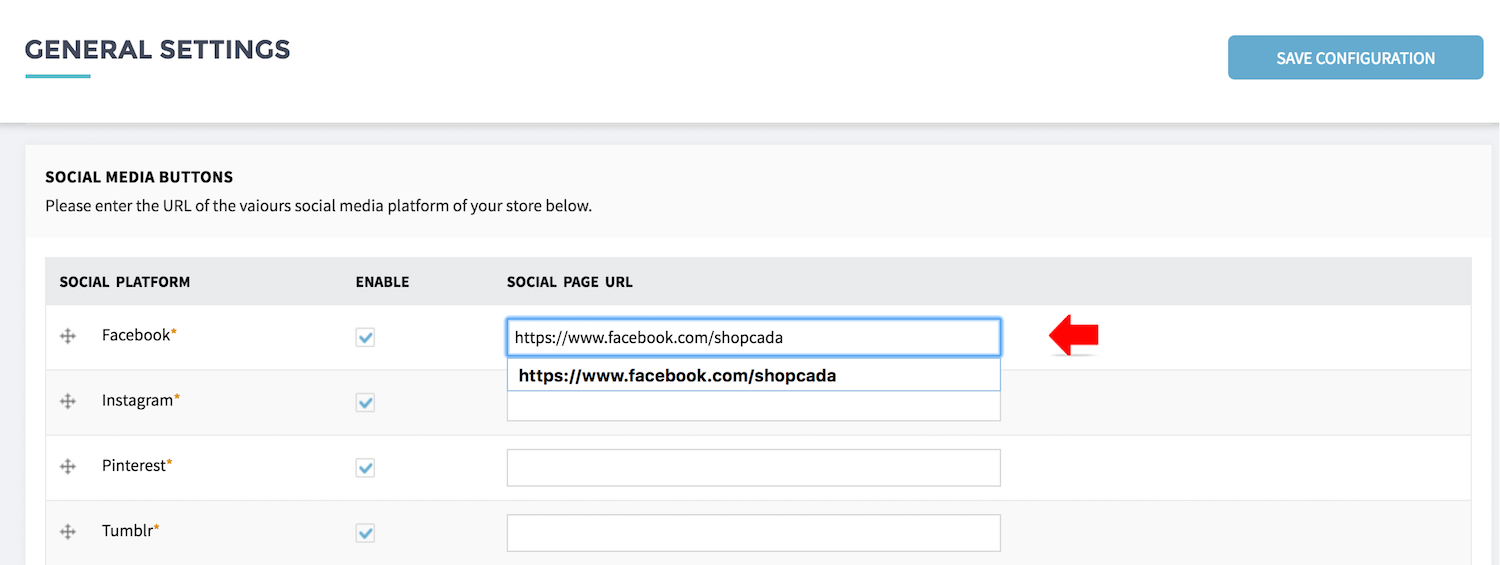
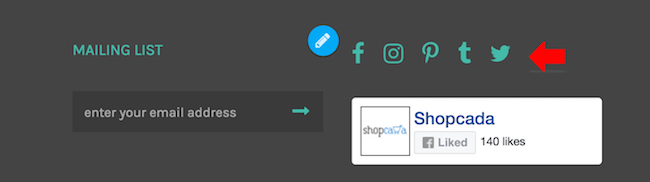
Other than the store, you should also setup Social Media account for your business. Shopcada supports linking to the social media from your store.
See Example Below:
To set this up,
- Go to Manage Your Store then go to Settings page.
- Scroll down to Social Media Buttons section.
- Click the Enable checkbox for the platform you want to show, and enter the social media URL of your account.